What’s New
Link Previews
When you receive a link, it may be unclear which kind of website it links to. Previews for links can help by adding context information, for example the website’s title and description. Many websites provide this meta data using the OpenGraph data format. Since Gajim 2.4.2, displaying this information is supported. At the moment few apps (e.g. Cheogram) send data for these previews. With this release, Gajim can also send preview data. Gajim will add a preview image as well, if the website provides one. At the moment, link previews will only be sent in non-encrypted chats. Additionally, there is a setting to disable link previews completely.
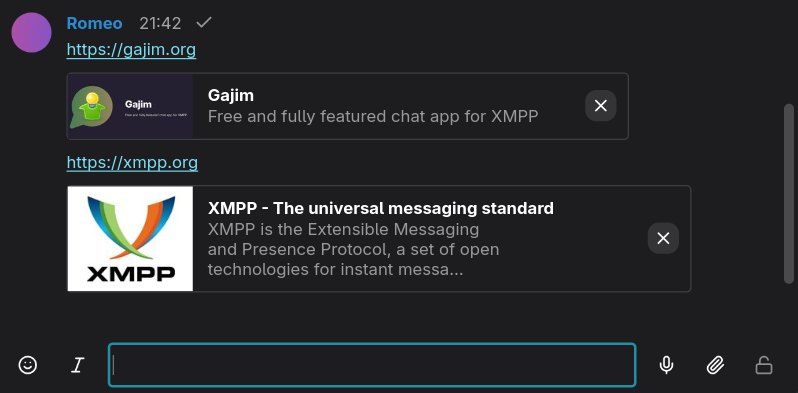
Link previews in Gajim
If you’re interested in the details, you can read more about the pros and cons of different link preview implementations and why Gajim only displays preview data it received with the message itself.
Improvements and Fixed Issues
- System notifications on macOS
- Font size improvements and increased font sizes on Windows and macOS
- Many small improvements for macOS
Have a look at the changelog for a complete list.
